WordPress news app
A Commerce app for a WordPress site as a news app: posts, categories, tags, search, saved posts and comments. No products, cart or checkout.
Updated Oct 24, 2026
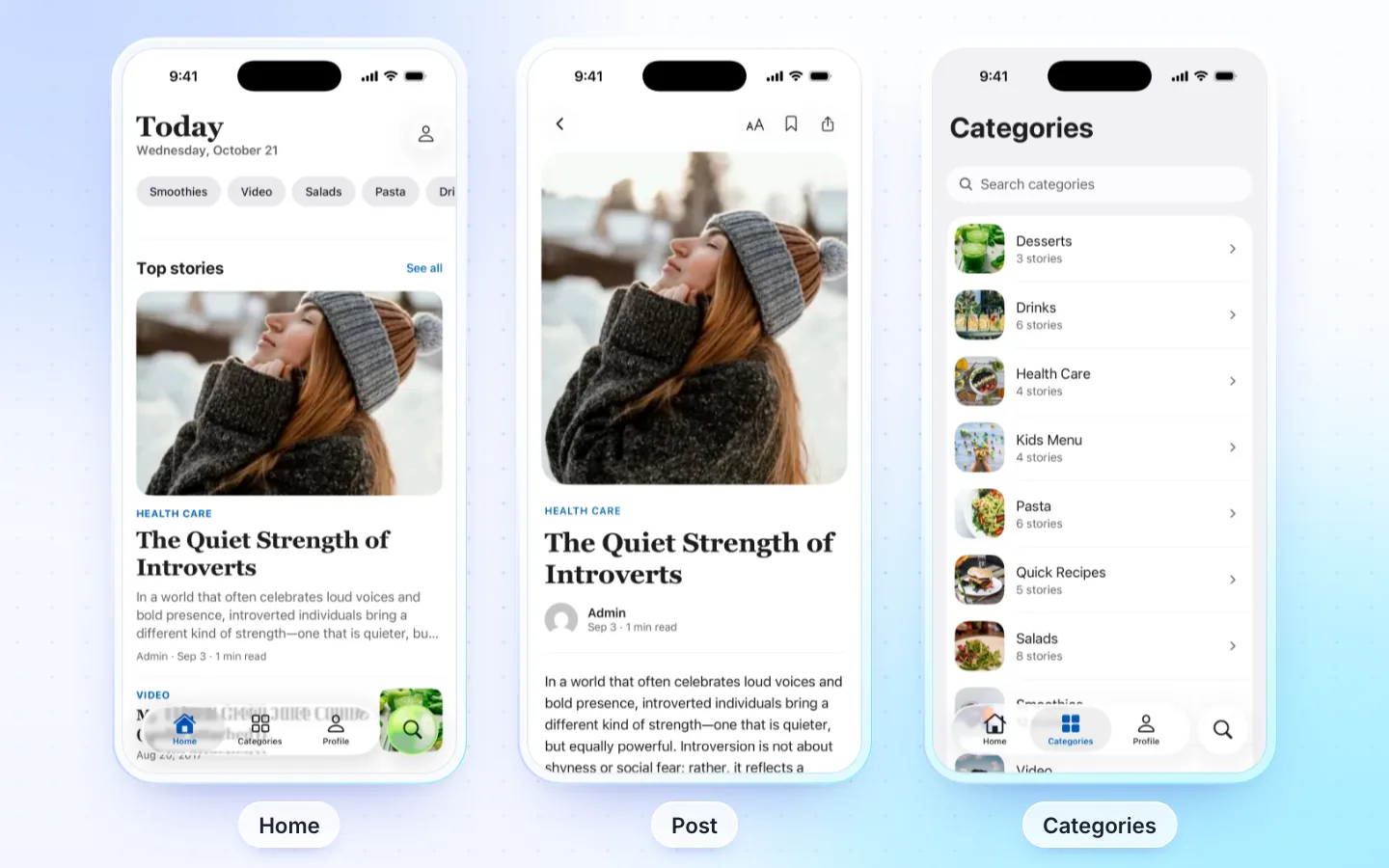
What it has
- Home: post sliders, cards, stories and sections from your categories.
- Posts: four post page layouts, related posts and comments.
- Browse: categories and tags, and search.
- Saved posts on the phone, to read later.
- Sign in with e-mail and password, Google or Apple, and writing comments, with the FluxNative plugin.
- AI assistant for readers, with the FluxNative plugin.
Post types
WordPress posts, with their categories and tags. Pages and custom post types are not shown.
Required plugins
| Plugin | Needed | What for |
|---|---|---|
| WordPress | Required | Posts, categories and tags |
| FluxNative | Optional | Sign in, writing comments and the AI assistant for readers |
Without the plugin the app still reads every post; sign in, writing comments and the AI assistant stay off.
How it connects
- Live from your site through its REST API and the FluxNative plugin: products, posts, listings and orders stay on your site, with nothing to copy or sync.
- FluxNative plugin for WordPress: the app's backend, plus the AI assistant, a chat bubble on your site and a site health check. FluxNative for WordPress. Not on wordpress.org yet: download the zip, then in WP admin choose Plugins › Add New › Upload Plugin.
- Installed later? The app checks your site when it starts, so it moves to the plugin at its next start, with no new build. Shoppers then sign in once more.
Supported plugins
- WPML, Polylang, TranslatePress: posts in the app's language, with the FluxNative plugin (WPML without it too).
- GTranslate, Weglot: the app's own screens follow its language; posts stay in the site's language.
Make one
Choose Create app › Start from the template › WordPress news and enter the Site address, or bring a FluxNews app with From a FluxBuilder app.
Related
Did this page help?